English on iOS
Everyone gets stuck somewhere different
So there isn't just one method, either. Pronunciation, reading, movie lines, or the sentence you actually want to say —
pick the way of practicing that fits where you get stuck.
Who it's for
Not for complete beginners — on purpose
Every screen, every hint and every piece of feedback in these apps is in English. Word lookups use an English–English dictionary, so you learn a meaning the way a dictionary explains it, not through translation.
That works well once you can read basic English. If you are at the very beginning, these apps will feel like a wall rather than a ladder — please come back a little later.
A good fit if you
- can read simple English and follow short instructions in English
- understand far more than you can say, and want to close that gap by speaking
- would rather practice with your own content than follow a fixed course
Not yet, if you
- need menus, hints and explanations in your own language
- are still learning the alphabet or your first few hundred words
Where do you get stuck?
If years of study still haven't loosened your tongue, you may simply have been practicing in a way that doesn't fit you. People get stuck in different places — pick the line that sounds like you, and we'll point you to the right app.
Pronunciation · Today's expressions
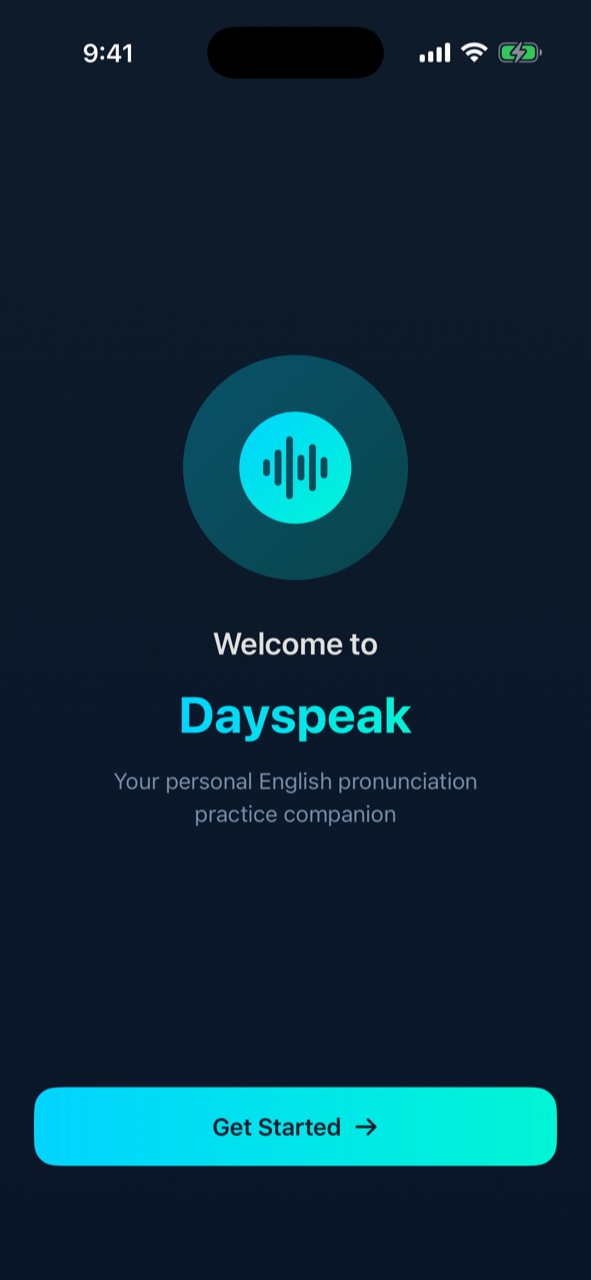
Dayspeakformerly MYPlanner
You can write it, but it doesn't land when you say it — pick just the expressions you'll use today, get the stress and intonation right, and walk in ready.
- Real-time analysis of the stress and intonation pattern in what you said
- A pronunciation score with instant feedback
- Expressions generated from your own daily schedule — on-device with Apple Intelligence
- Short daily practice on a schedule. The interface is entirely in English.
Reading · Shadow your own content
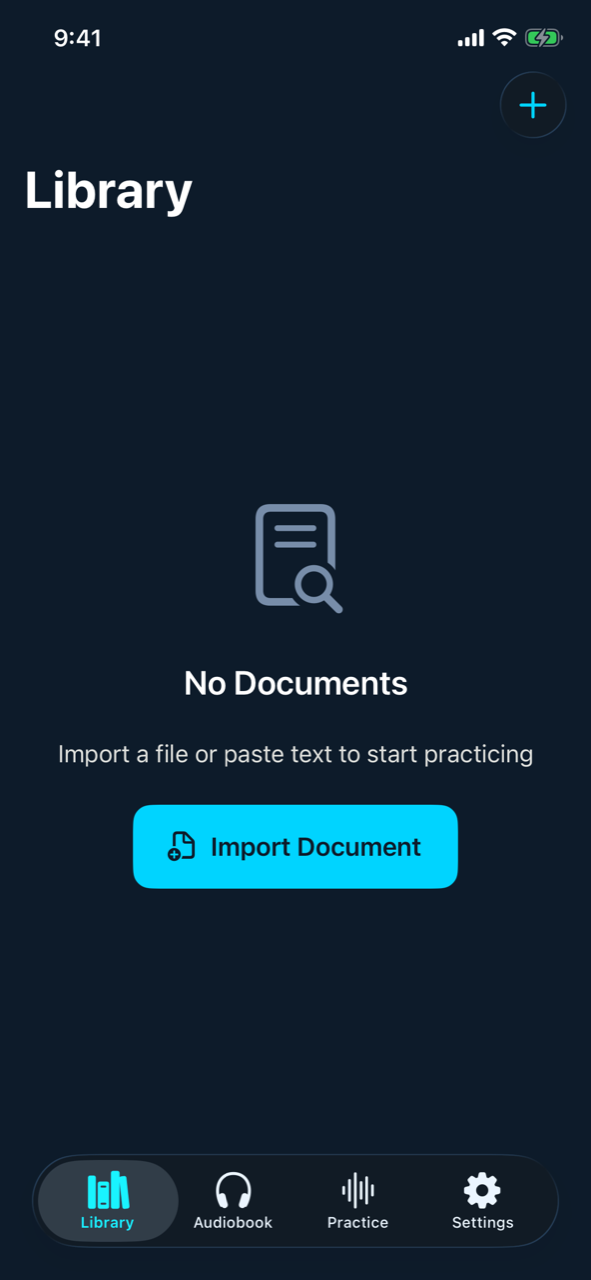
Pagespeak(MYReading)
If you've always listened but never repeated — take the content you read and hear every day and shadow it sentence by sentence.
- Build your own reading passages from a PDF or plain-text file, or by pasting text
- Audiobook mode for listening practice with audio files you import
- Jump from any passage straight into speaking practice and get a score
- Every screen and the built-in dictionary are in English.
Movie Script · Shadow movie lines
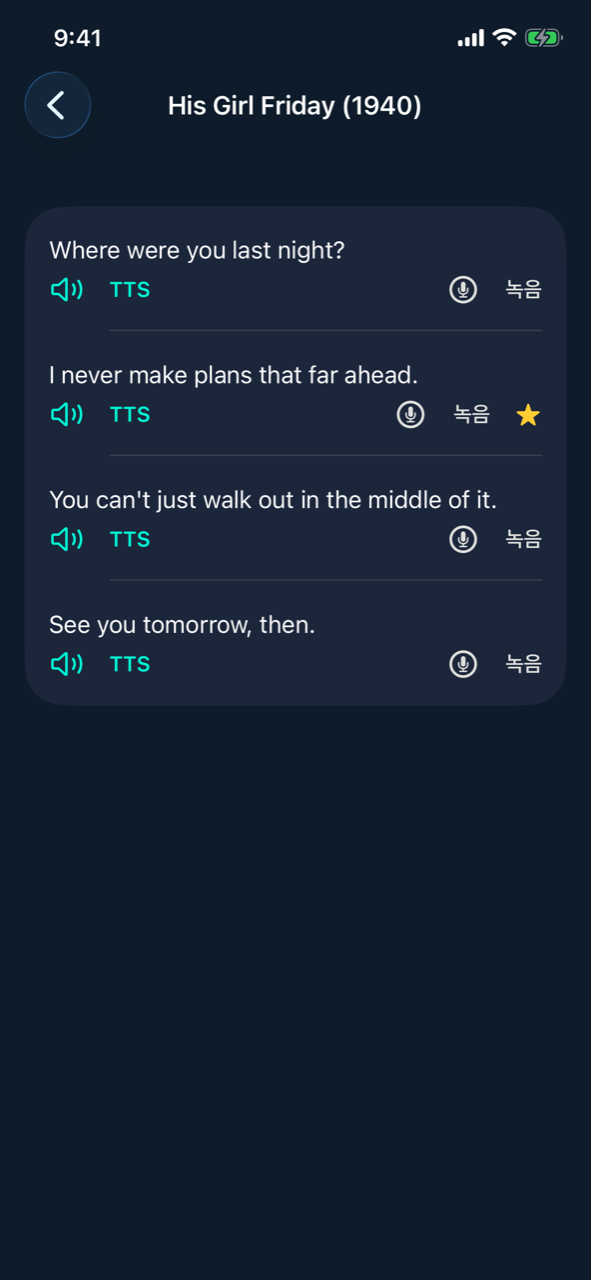
Linespeak(MYMovie)
If you've only ever watched — take the lines you love and say them back one at a time, in that exact tone.
- Import your own movie file with its subtitles (SRT, VTT, SMI) — lines are clipped automatically
- Loop the original audio or hear it via TTS, then shadow one line at a time
- Pronunciation score, expected-vs-yours stress comparison, and favorites for review
- Every screen is in English. The app ships without movies — you bring your own files.
Sentence Builder · Build my own sentence
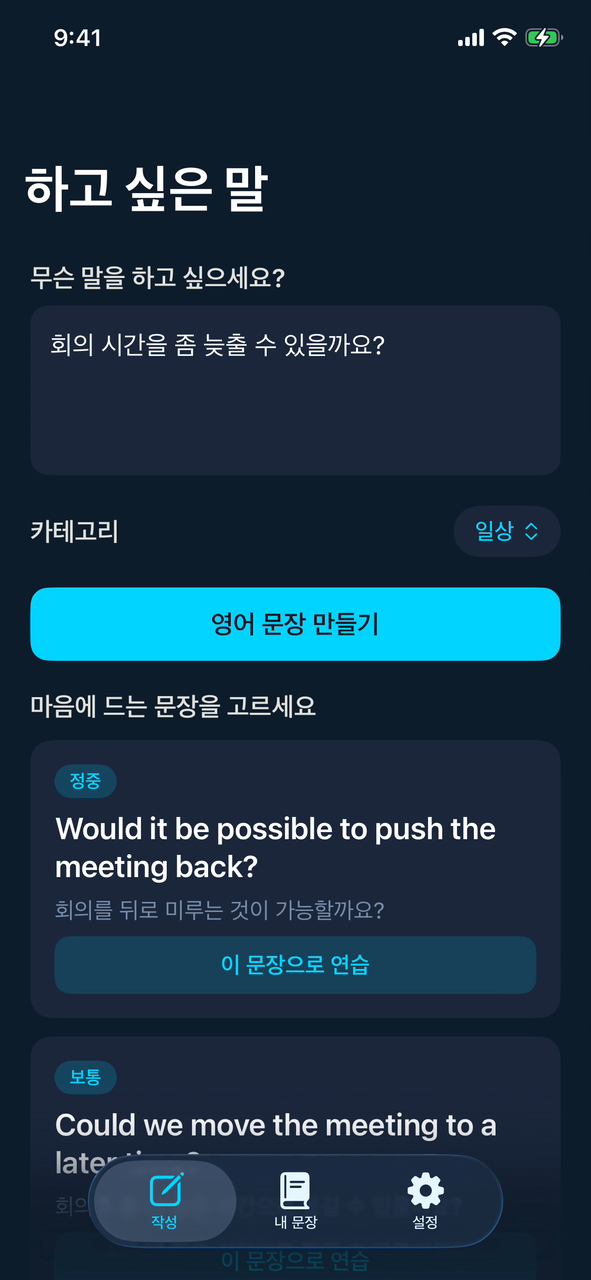
Mindspeak(MYSentence)
It's all there in Korean in your head, but the English won't come out — write what you mean, get candidates in different tones, and practice the one you pick right away.
- Type what you want to say in Korean and get 3–5 English candidates — generated on-device
- Each candidate carries a tone (formal · neutral · casual) and a Korean back-translation so you can choose with confidence
- Practice the chosen sentence on the spot with stress marks, recording and a score
- Apart from your Korean input, every screen is in English.
Which app is for me?
| App | Dayspeak | Pagespeak | Linespeak | Mindspeak |
|---|---|---|---|---|
| If this sounds familiar | Your pronunciation and intonation get in the way | You only ever listen — you've never spoken it back | You watch, but you've never said a line out loud | What you want to say won't come out in English |
| Starting point | Pronunciation | Reading | Movie Script | Sentence Builder |
| Core activity | Real-time analysis of the stress and intonation pattern in what you said | Build your own reading passages from a PDF or plain-text file, or by pasting text | Import your own movie file with its subtitles (SRT, VTT, SMI) — lines are clipped automatically | Type what you want to say in Korean and get 3–5 English candidates — generated on-device |
| Status | Available | Available | Available | Available |